Hivefall
Hivefall Combat Demo
Hivefall is a roguelike deckbuilder set in the Nostone universe. This free demo is a slice of the full game's combat: pick a faction, build a deck, pick a fight — or duel a real opponent — and learn the system before the full release.
What's in the demo
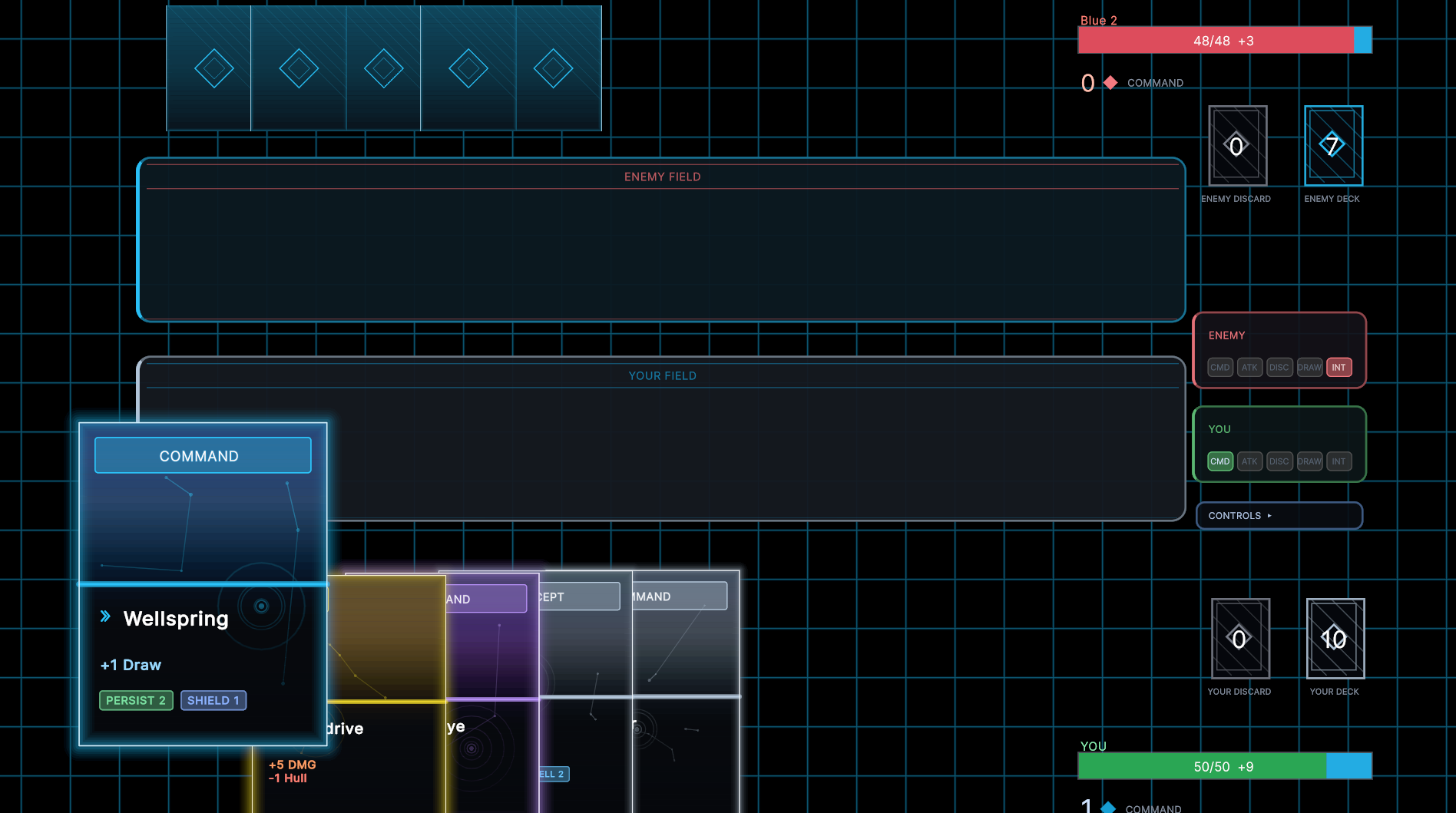
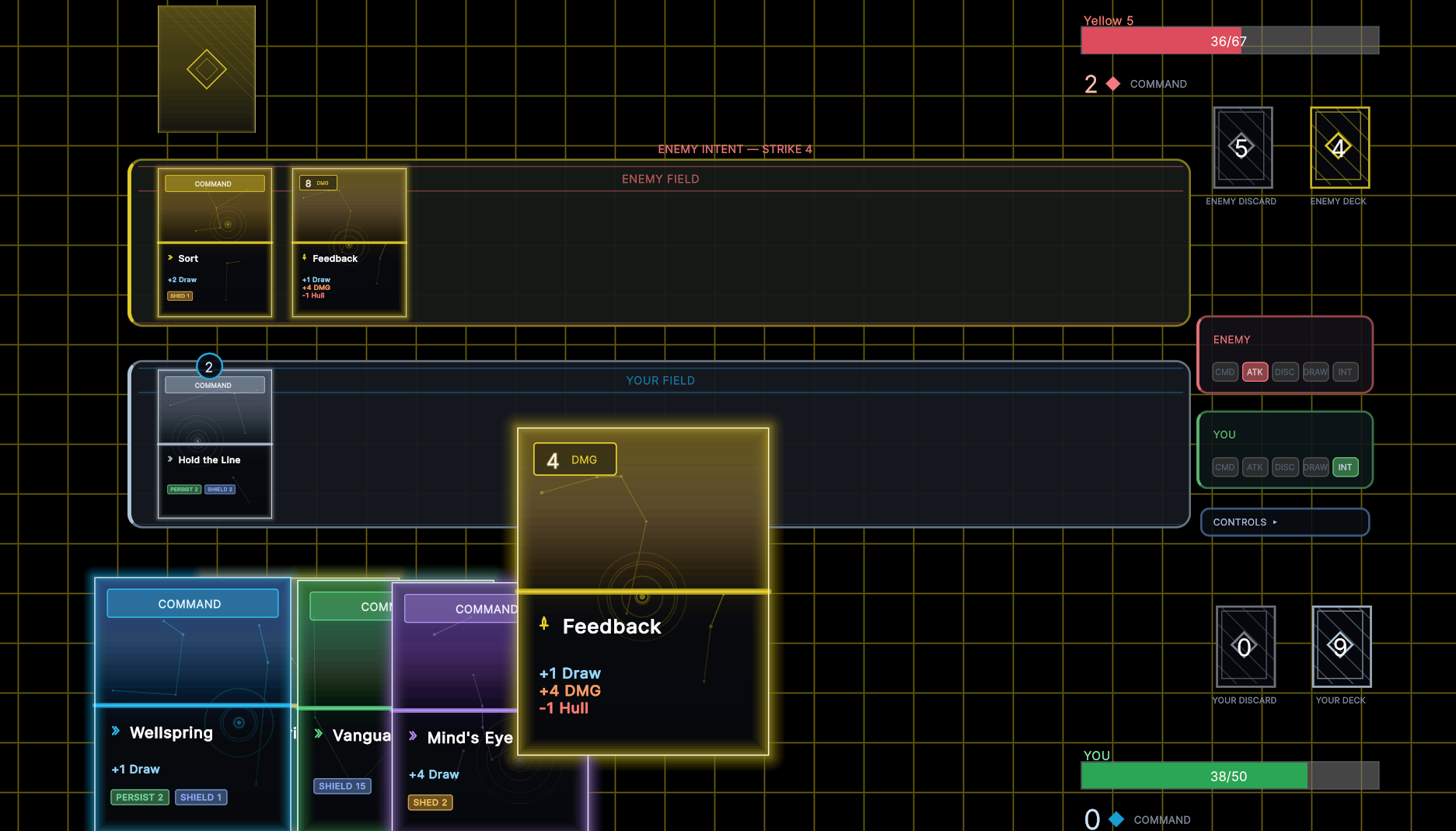
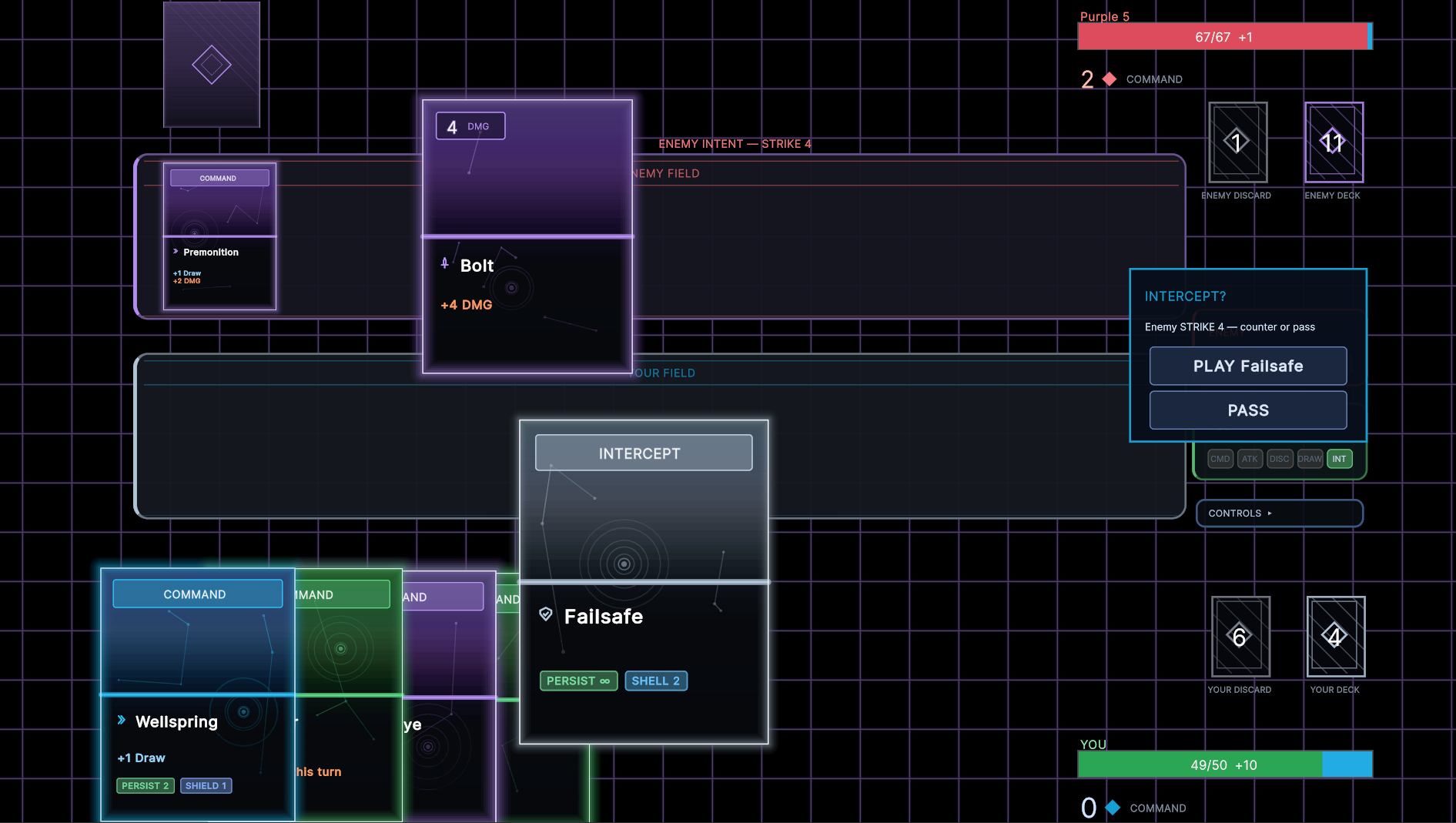
Every turn flows through a COMMAND phase (build your engine) and an ATTACK phase (deal damage) while your opponent can throw INTERCEPTs back at you. Mix and match keywords like Persist, Frontload, Pierce, Lifesteal, Repair, Shield, Shell, Burn, Shed, and Reflect to find combos that click.
- Pick your faction: choose Gray, Red, or Blue and see its passive ability and starter deck before you build.
- Full deck builder: build any deck you want from the demo's card pool across all three factions. Go aggressive, go engine, go weird.
- Fight the AI: a single difficulty ladder from 1 (easiest) to 12 (hardest) — win a fight to unlock the next. Work your way up, or jump back in and test a build against the wall you've already cleared.
- Gauntlet mode: a multi-tier ladder of escalating opponents in one run. Toggle whether your Hull carries between fights for a sustained, higher-stakes challenge.
- Live PVP: draft a deck or bring a custom build and duel real players. Queue Unranked for casual, penalty-free practice, or Ranked to climb — matches are tuned to run a real, meaty 10-20 rounds with no stalling. Play from your browser or your desktop build.
- Unlimited play: win or lose, you drop straight back to the builder. No runs to lose, no progress to grind — just the combat.
Each fight starts your Hull fresh at your faction's baseline, so matches stay about the deck, not meta-progression. Story, exploration, and the meta layer are saved for the full game. Excited to share the overworld and how it works soon!
How to play
- Click a card (or press F) to play it.
- Press E to end the current phase.
- Esc opens the pause menu (return to battle select or main menu).
- WASD / arrow keys + controller supported for menus.
This is an early playtest build. Your feedback shapes what comes next — including how PVP balance evolves. Tell me what felt great, what felt broken, and which decks (and matchups) you loved or hated.
Follow & get involved
🌐 Hivefall & dev updates: https://nostonemedia.com/gaming
💬 Discord (chat + report bugs): https://discord.com/channels/1512423651738128445/1512423652614996031
👽 Reddit community: https://www.reddit.com/r/nostonemedia/
▶️ YouTube (devlogs & streams): https://www.youtube.com/@Nostonemedia
📨 Newsletter & wishlist (release dates, new chapters, game devlogs): https://nostonemedia.com/community
🐛 Found a bug? Drop it in Discord
Development log